A workout planner should do more than hand you an empty grid and wish you luck. Pick your training days, your split, and your experience level below, and the tool on this page builds a complete training week for you, real exercises pulled from Kontest's own split guides, real sets, reps, and target RPE, ready to copy into a log or print and tape to the fridge.
No account, no email gate, no app download required to use it. Just a plan, in about ten seconds, that you can start following today.
The weekly workout planner
This is a real weekly workout planner, not a static template with blanks you fill in yourself. Set your training days, split, and level, hit Build My Week, and it assembles a full seven-day schedule using the same programming from Kontest's split guides: the 3 day workout split, the upper/lower split, and push/pull/legs.
Build Your Week
Every exercise in the output comes straight from Kontest's own program library, the same tables that run in the upper/lower split and push/pull/legs guides, not a generic list of "compound lift, accessory 1, accessory 2." Change the day count and the split menu updates to match it, because a 2 day week and a 6 day week aren't the same program run at different speeds, they're genuinely different programs.
How to use it: days, split, and level
Three choices build the whole week. Get these right and the plan underneath takes care of itself.
Days: how many can you actually protect
Pick the number of days you can train most weeks, not the number you'd train in a perfect one. Two honest days beat five you'll bail on by Thursday. The tool locks the split menu to programs that actually work at that frequency, because a 6-day push/pull/legs routine crammed into 3 days just means every muscle group gets hit once a week instead of twice, and once a week is the low end of what drives real progress.
Split: matched automatically to your days
At 2 or 3 days, full body wins because it trains everything twice a week even at low frequency. At 3 days you can also run push/pull/legs once through the cycle if you'd rather specialize a session at a time. At 4 days, upper/lower splits the week in half without asking for more than four sessions. At 5 and 6 days, the tool builds a push/pull/legs rotation (a hybrid with an upper/lower day at 5, twice through the full cycle at 6) for lifters who want more volume per muscle group and can actually recover from it.
Level: sets the effort, not the exercises
Beginner, intermediate, and advanced change your sets and target RPE, not which exercises show up. A goblet squat isn't a "beginner exercise" and a barbell back squat isn't an "advanced" one, your effort level and load management are what should scale with experience, not the movement itself. Beginner mode trims a set off most exercises and caps target effort at RPE 6-7, so you're leaving 3-4 reps in the tank while you learn the pattern, the same standard our RPE guide uses for anyone new to a lift. Advanced mode adds a set to the first, heaviest lift of each session and pushes target RPE closer to true failure.
Printable templates: blank weekly and monthly
Some weeks you'd rather write the plan by hand, or you want a workout planner template to keep on the fridge instead of pulling up a phone screen mid-set. Here are both, blank and ready to fill in.
Blank weekly template
| Day | Session focus | Exercise 1 | Exercise 2 | Exercise 3 | Exercise 4 | Exercise 5 |
|---|---|---|---|---|---|---|
| Monday | ||||||
| Tuesday | ||||||
| Wednesday | ||||||
| Thursday | ||||||
| Friday | ||||||
| Saturday | ||||||
| Sunday |
Blank monthly template
This one is a workout schedule maker's version of a scoreboard, not a set-by-set log. Check off which days you actually trained across four weeks and total it at the end, so a month of consistency is visible at a glance instead of buried in memory.
| Week | Mon | Tue | Wed | Thu | Fri | Sat | Sun | Sessions completed |
|---|---|---|---|---|---|---|---|---|
| Week 1 | ___ / ___ | |||||||
| Week 2 | ___ / ___ | |||||||
| Week 3 | ___ / ___ | |||||||
| Week 4 | ___ / ___ |
Print either one, or copy the blank rows into a notes app if paper isn't your thing. Both work as a plain workout schedule template until you're ready to move the whole thing somewhere that tracks itself.
From planner to program: what to log on day one
A plan turns into a program the moment you write down what actually happened, not just what you intended to do. Day one is the easiest day to get this right, before "I'll log it later" turns into a habit of its own.
Three things to capture from your very first session:
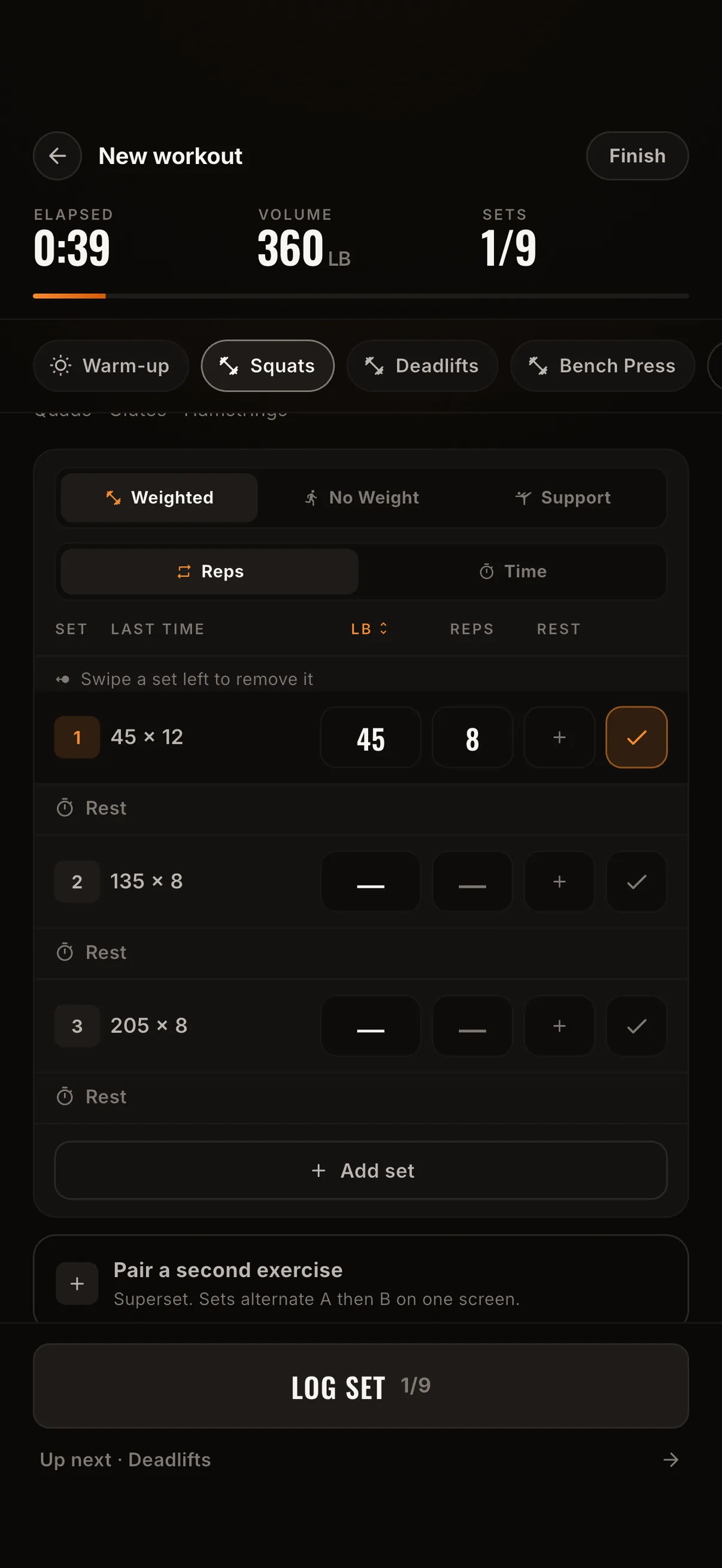
- The exercise, weight, and reps for every set, even the warm-up sets. That first "45 x 12" on squat day is the baseline everything else gets compared to.
- How the last set of each exercise actually felt, not just whether you finished it. This is where RPE earns its keep, since "I got all my reps" and "I got all my reps and had two more in me" are very different signals for next week.
- Whether you hit the session at all. A missed Tuesday still belongs in the log. It's the thing that tells you honestly whether 4 days a week was ever realistic, or whether 3 was the plan you should have built from the start.
If you'd rather work through the reasoning behind each choice instead of letting the tool make it for you, our full framework for building a workout plan walks through the same five decisions (days, split, exercises, sets and reps, progression) by hand.
Why plans fail without a log
A plan on paper is a wish. A plan you log is a program, and the difference between those two things is the entire reason so many well-designed workout planners end up crumpled in a gym bag by week three.
Here's the actual failure mode. Week one goes fine because the plan is fresh and the numbers are guesses anyway. By week three, the plan should be answering a question it was never built to answer: did last Tuesday's squat weight work, or was it too easy, too hard, too soon after leg day? A planner has no idea, because a planner only knows what you intended, not what happened. Without a log sitting next to it, the plan stops being useful right when progression decisions start to matter, and most people quietly stop opening it.
Plan the week here, then log it in Kontest, where the plan becomes a scoreboard instead of a screenshot. Every session you log rolls into your PRs, your estimated 1RM, and a streak your training partner can see, so the workout planner you built above turns into a running record instead of a one-time printout. Join the Kontest beta and log the first session from whichever plan you just built.
FAQ
What's the difference between a workout planner and a workout program? A workout planner lays out the schedule, which days you train and what split you're running. A program adds the progression rules on top, how much weight or reps to add and when. The tool above gives you both: a filled week plus target RPE, which is what tells you whether to push harder or hold steady next session.
Is this workout planner actually free? Yes. No account, no email, no paywall. Pick your options, build your week, and copy or print it. Kontest itself has a free beta for the logging half of this equation, but the planner works whether or not you ever download the app.
Can I use this as a weekly workout planner template I reuse every week? Yes. Build the plan once for your days, split, and level, and run it as written for 4 to 6 weeks before changing anything. The blank weekly template above works the same way on paper if you'd rather write it out by hand each week.
What's the best workout schedule maker for someone who's never followed a program? Start at 2 or 3 days on full body, beginner level. It's the lowest-friction schedule to actually keep, and it's the same starting point our beginner workout plan recommends for anyone new to structured training.
Do I need a monthly plan if I already have a weekly one? Only if you want visibility past a single week. The weekly plan tells you what to do today. The monthly template above (or a real log) is what tells you whether you actually did it four weeks running, which is the number that predicts results, not any single well-planned Monday.